Quickstart
Put VulSight Guard in front of an agent that already pays with x402, the open standard for agent payments. About ten minutes, no wallet changes, test money on a test network until you switch a policy to Base or Solana Mainnet.
1. Get an API key
Sign up, and the dashboard home shows your first key once. Copy it then, it is not shown again. It comes with a default policy in enforce mode, the demo seller on your allowlist (the Payees page), a limit of 0.10 USDC per payment and 1.00 per day, on Base Sepolia with test USDC. Base and Solana Mainnet move real USDC once you switch the policy. For Solana, register your own Solana signer on the x402 client; the SDK page says how.
Read your policy back to check the key works.
export VULSIGHT_API_KEY="<your key>"
curl -s -H "authorization: Bearer $VULSIGHT_API_KEY" \
https://A 401 with unknown_api_key means the key is mistyped or was rotated, and one with revoked_api_key means it was revoked. Rotate it or make a new key on the Keys page. The policy page explains every field this prints.
2. Choose a way in
You are on the buyer's side. Your agent pays, and the guard decides. The seller you pay changes nothing, and the guard reads the 402 it already sends.
The proxy needs no code. Prefix the seller's URL with your proxy token. The token authorizes checks, not payments, so it is safe in a URL and it is not your API key.
//For the SDK tab, install the packages first:
bun add @vulsight/The SDK accepts any 2.x release of @x402/core from 2.24 on, so the install line carries one copy of it beside the x402 client.
Since @x402/core 2.23.0 the client refuses any payment over one dollar by default before the guard's hook runs, so keep that cap or call .setSpendControls(false) on the client to make the guard's policy the only limit.
A denied payment comes back with its reasons as sentences. A held payment waits for you in the dashboard for two minutes by default. With the SDK and the MCP tool an agent that stops waiting first has signed nothing. Pick Approve and always allow this payee, and the agent's next payment to that seller skips the first-payment review. The guard keeps a short excerpt of what the agent read, to explain the decision.
All three are live, and the same checks run through the API. Each way in has its own page: proxy URL, SDK, and MCP and skills.
3. Watch the first decision
No wallet yet? Ask the guard for a verdict directly.
curl -s -X POST https://The SDK and the proxy sign a real payment, so on Base Sepolia the buyer wallet must hold test USDC from the Circle faucet (USDC, Base Sepolia). EVM_PRIVATE_KEY in the SDK snippet is a throwaway wallet's key; the SDK page says how to make one. The wallet needs no Base Sepolia ETH: the seller's facilitator, the service that puts an x402 payment on chain for the seller and pays the gas, submits the transfer the wallet signed.
Through the SDK the payment call throws with the reasons. Through the proxy your client gets them in a 403 body. The MCP tool answers in sentences. In every case the dashboard has the decision with the policy it was checked against.
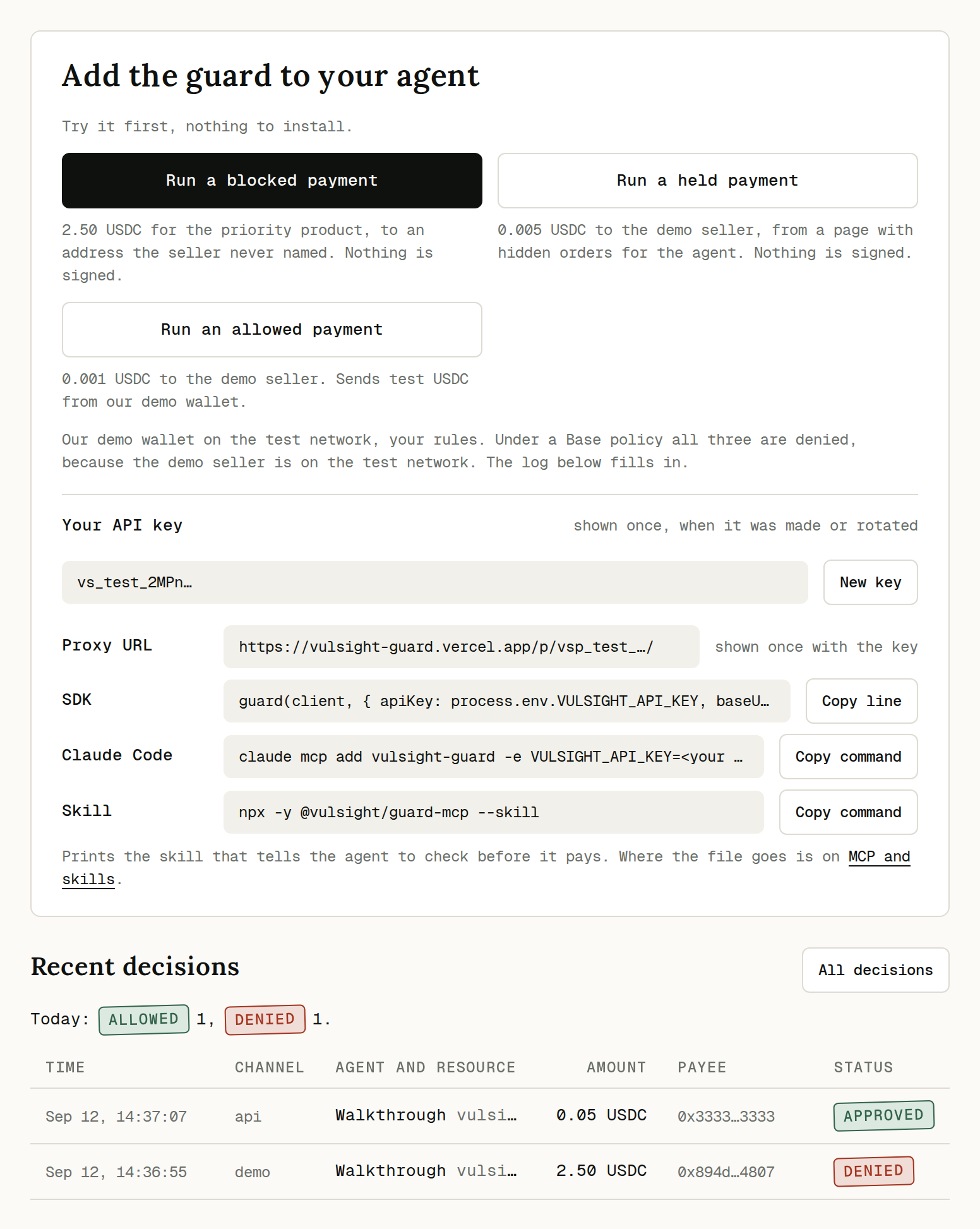
The same rows come back over the API with GET /api/v1/decisions, each with its status and every rule that ran. An empty array means nothing has been decided under this account yet, so run one call or one payment from above.